We build TecDoc parts stores on Shopify, WooCommerce and PrestaShop that actually sell: verified fitment, vehicle search built for your market, live supplier stock and orders that place themselves.
Front axle ×Ferodo · Zimmermann · Brembo ×Vented ×Ø 312 mm ×In stock ×Sort: Best fit
Pair
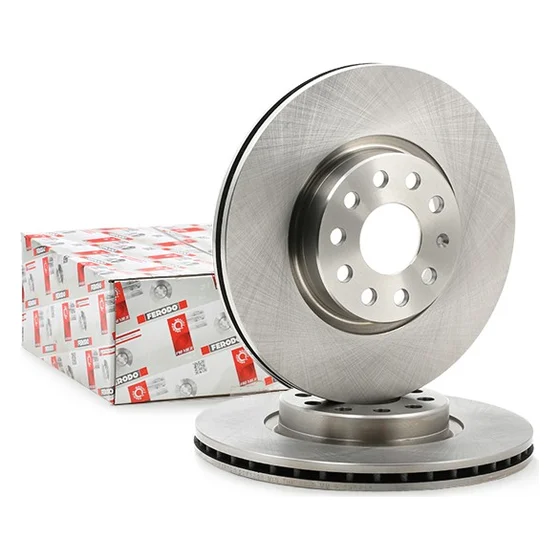
FERODO
Brake disc, vented · Ø 312 × 25 mm
DDF1305
Fits your Golf VII
Supplier stock: 38 · ships today
€58.90per pair, incl. VAT
Add
Pair
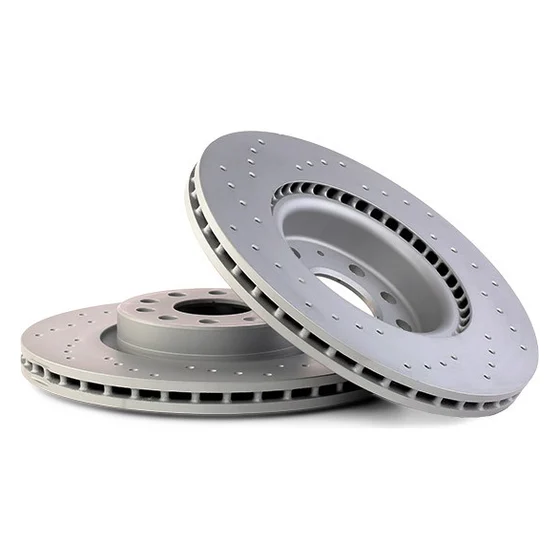
ZIMMERMANN
Sport brake disc, drilled · Ø 312 × 25 mm
100.3300.52
Fits your Golf VII
Supplier stock: 12 · ships today
€96.40per pair, incl. VAT
Add
Pair
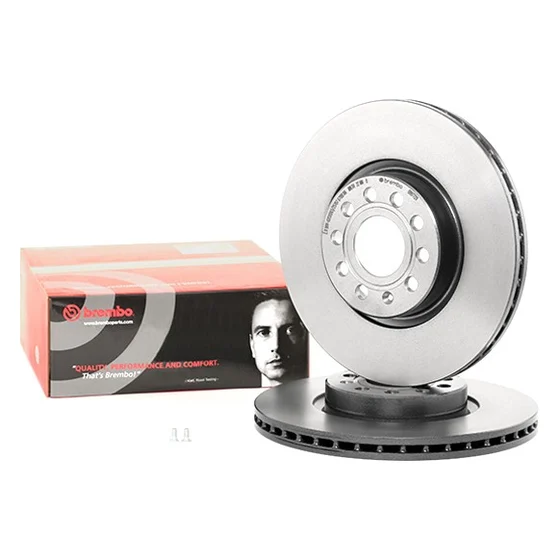
BREMBO
Brake disc, vented · Ø 312 × 25 mm
09.9772.11
Fits your Golf VII
Supplier stock: 7 · ships tomorrow
€64.40per pair, incl. VAT
Add
9:41
Your store
Find parts by registration
UKAB12 CDE
Find my car
Ford Focus III 1.6 Ti2015 · 125 PS · Petrol · Hatchback
Parts for this car 186 fit
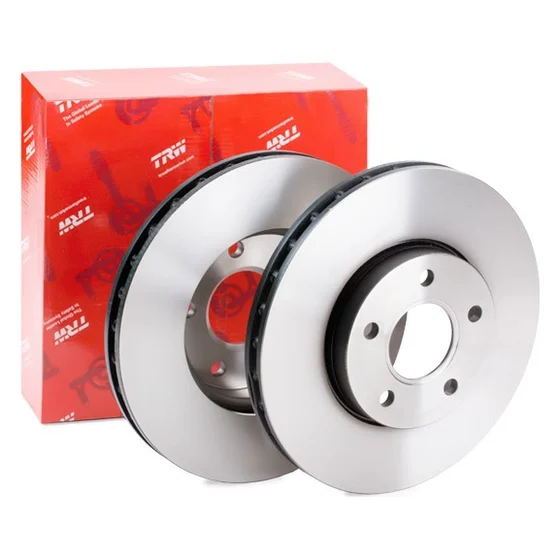
Brake discs, frontTRW DF6138 · ✓ Fits
£42.60
Coated brake discs, frontA.B.S. 18339 · ✓ Fits
£38.90
Wiper blade set✓ Fits · in stock
£18.50
Shock absorber, rear✓ Fits · in stock
£52.00
My car
Search
Cart
Account
Order #4812 sent to your distributorDelivery tomorrow 10:00 · 3 lines · auto-placed
Fitment verified in TecDocFerodo DDF1305 · front axle
Illustrative store · fictional brandDesktop: KBA (HSN/TSN) · Mobile: UK registration lookup
Built with parts merchants in 12 countries.
On TecDoc since
2022
Stores shipped
~20
Countries
12
Storefront languages
6
Platforms & data we build on
01 The problem
A catalog is not a store.
Plugging TecDoc into a shop gives buyers 412 results and no answer. They need to know what fits their car, what's in stock and when it arrives. Everything else is a return, a phone call or a lost sale.
A catalogBefore
golf 7
412 resultsNo vehicle selected
Brake disc 288 mm, ventedTRW DF2776
Doesn't fit
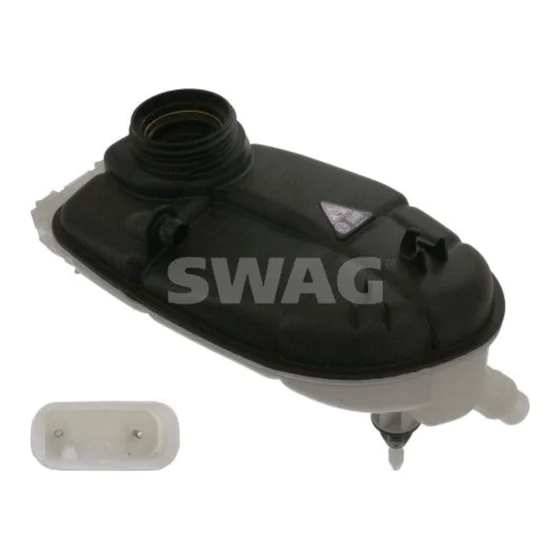
Belt tensioner, V-ribbed beltSWAG 10 93 8469
Fit unknown
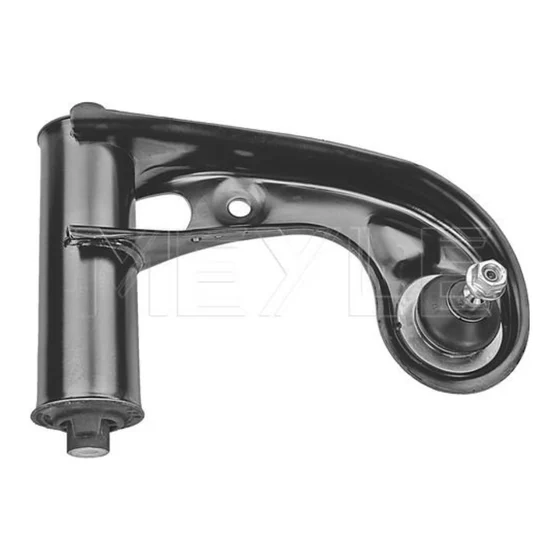
Control arm, wheel suspensionMEYLE 016 050 2104/HD
Doesn't fit
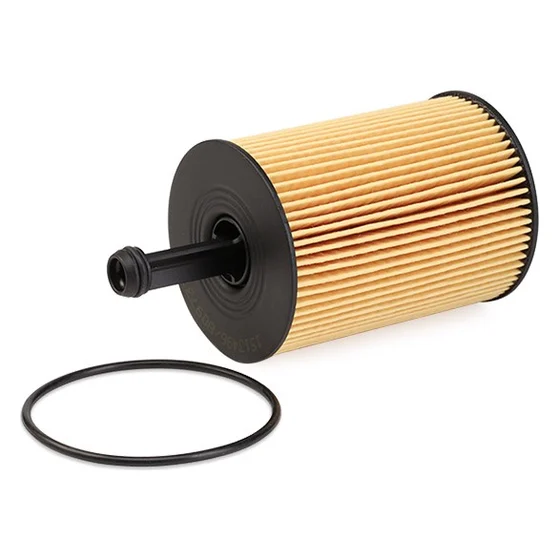
Oil filterCartridge with seal
Fit unknown
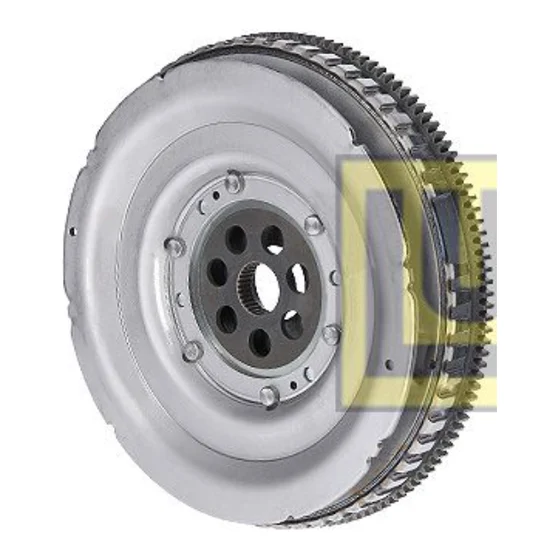
FlywheelLuK 415 0888 09
Out of stock
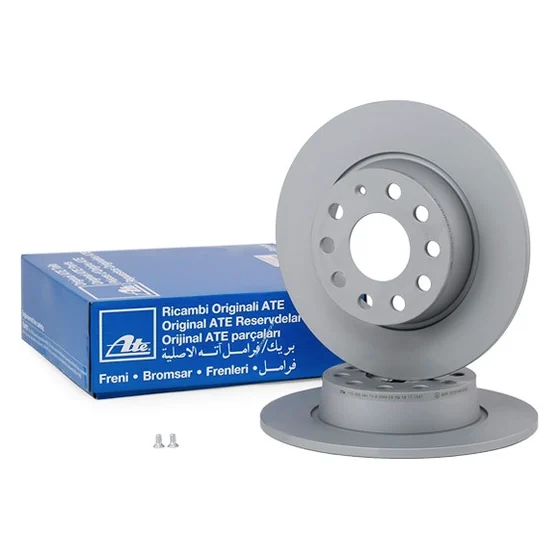
Brake disc, rear, coatedATE 24.0110-0356.1
Fit unknown
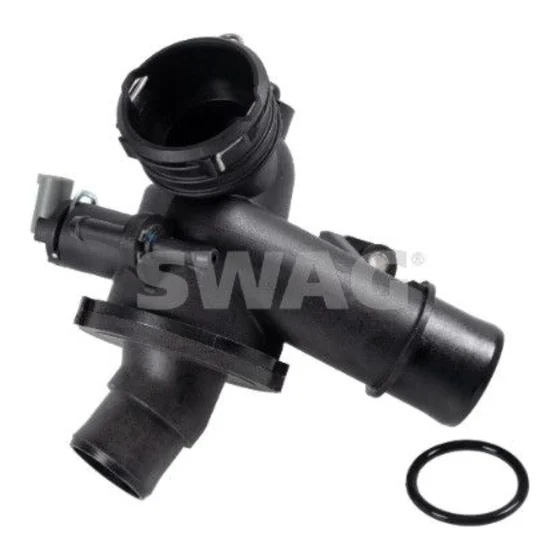
Coolant thermostatSWAG 10 10 8840
Fit unknown
Page 1 of 35123…35
A store that sellsAfter
VW Golf VII 2.0 TDIHSN 0603TSN BHL✓ Saved
1,284 parts that fitAll categories · in stock first
Brake disc, front, 312 mmBREMBO 09.9772.11
Fits · in stock€64.40 · tomorrow
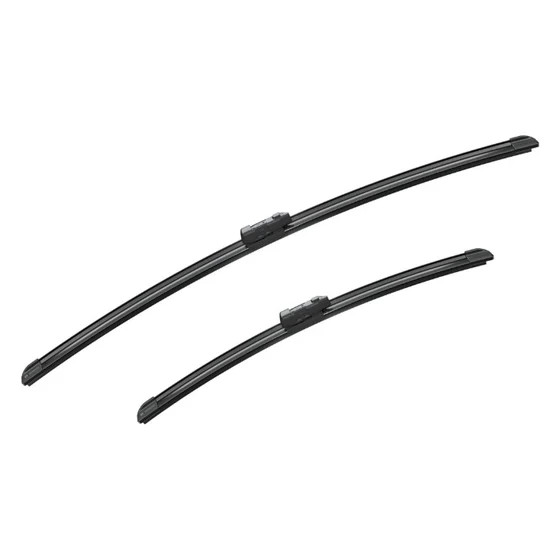
Wiper blade set, 650/450 mmBOSCH Aerotwin A 863 S
Fits · in stock€32.90 · tomorrow
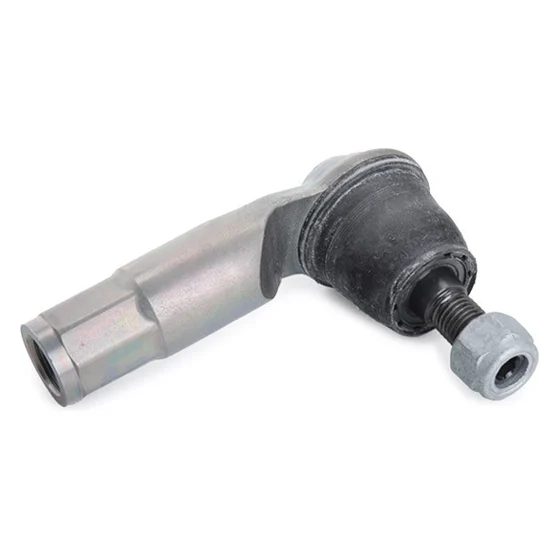
Tie rod end, front leftLEMFÖRDER 35279 01
Fits · in stock€27.50 · tomorrow
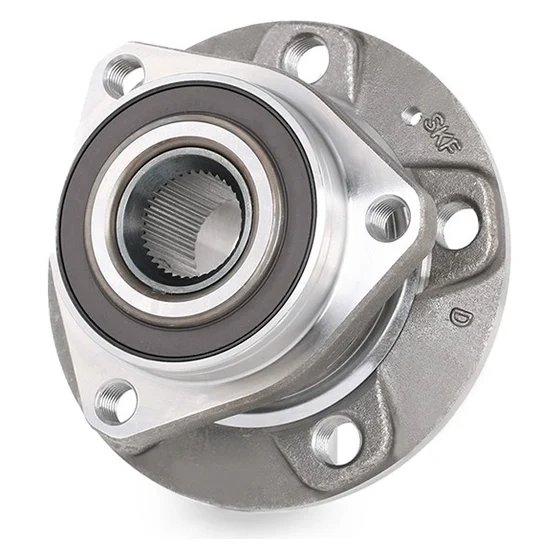
Wheel bearing kit with ABS sensorSKF VKBA 6556
Fits · in stock€119.00 · 2 days
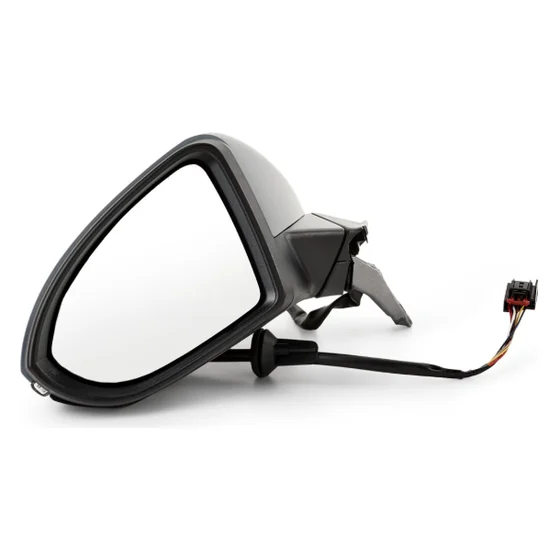
Exterior mirror, left, heatedVAN WEZEL 5766807
Fits · in stock€89.00 · 2 days
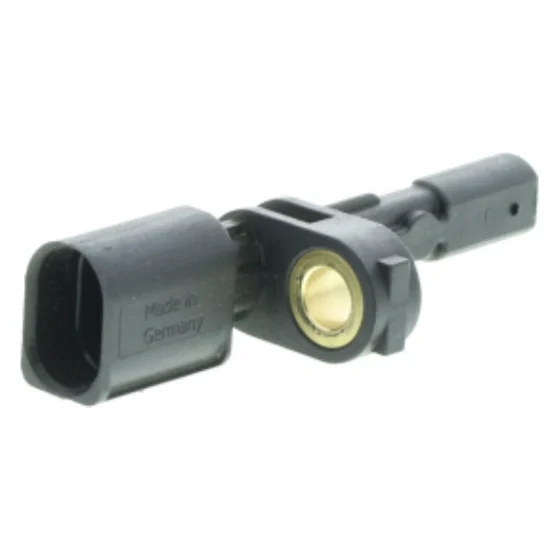
ABS sensor, frontWheel-speed sensor
Fits · in stock€24.90 · 2 days
Illustrative · references for display onlyOrder routes to supplier automatically
LEAK 01 · RETURNS
Wrong-fit parts come back.
When a buyer has to guess between 288 and 312 mm, some guess wrong. You pay shipping twice and lose the margin.
Vehicle saved once, fitment checked against TecDoc on every page.
LEAK 02 · STOCK
Orders for parts you can't ship.
A catalog lists everything that exists. A store shows what your distributor can deliver tomorrow, at your net price.
Live supplier stock and prices, synced to each product.
LEAK 03 · TIME
Someone retypes every order.
Copying lines into a supplier portal costs hours and makes mistakes. It also delays dispatch by a day.
Orders, invoices and delivery notes flow automatically.
02 What we build
Connected commerce for parts. End to end.
Catalog, vehicle search, supplier, checkout, trade accounts. We integrate the whole chain on the platform you already run, so every sale is a part that fits and ships.
01 · Parts storeShopify · Woo · Presta
A complete TecDoc store, inside your theme.
Search by make, model and engine. OE numbers and cross-references. Fitment tables on every product, smart categories, rich product pages, multilingual.
Categories for VW Golf VII 2.0 TDI 1,284 fitting parts
Garage pricing, quotes and multi-vendor marketplaces.
Price lists per customer group, quotes that convert to orders, professional accounts with credit terms, and marketplaces where several sellers share one TecDoc catalog.
A German buyer types HSN/TSN. A Dane types a plate. An Italian garage pastes an OE number. We build the store around how each market actually searches.
The storefronts below are illustrative builds with fictional brand names, showing the kind of localisation we deliver. Client case studies with figures are available on request.
Your storeMotorKühlungFahrwerkBremsen
Motor- und Kühlungsteile für Ihr Fahrzeug.
Markenqualität, geprüft nach TecDoc, Versand am selben Tag.
3-day free trial, billed through Shopify every 30 daysTecDoc licence required (we can help you get one)App setup services: $95/h, 6 h minimumFind it on theShopify App Store
10 Resources
Documented, in the open.
Read how everything works before you talk to us. Follow what we ship, check our uptime, and get straight answers.
REPORT IN 5 WORKING DAYS • REPLY WITHIN 1 WORKING DAY • FIXED PRICE BEFORE WE BUILD • NO OBLIGATION
Cookies on Mecaparts
We use strictly necessary cookies to run this site. With your consent, we also use Google Analytics to understand how the site is used. No advertising cookies. Privacy policy
Strictly necessaryRemember your cookie choice and display preferences.
Always on
AnalyticsGoogle Analytics measures visits and pages viewed, to help us improve the site. Off unless you turn it on.


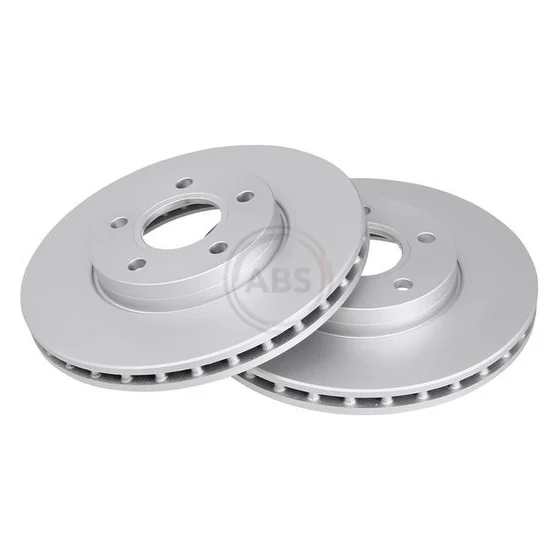

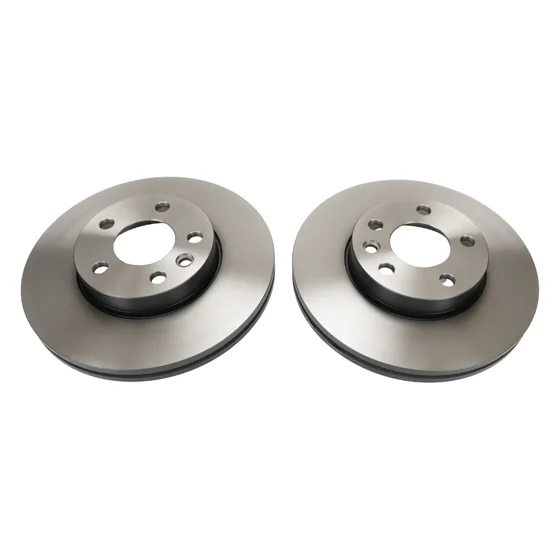
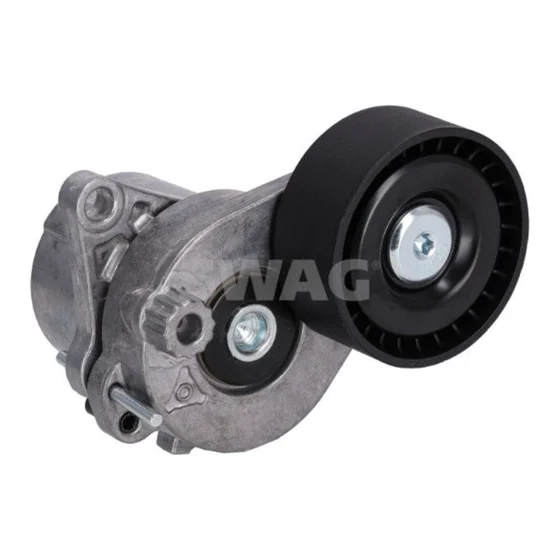
 Brake discs24 fit
 Brake calipers4 fit
 Air filters6 fit
 Shocks8 fit
 Turbochargers3 fit
 Timing belts4 fit
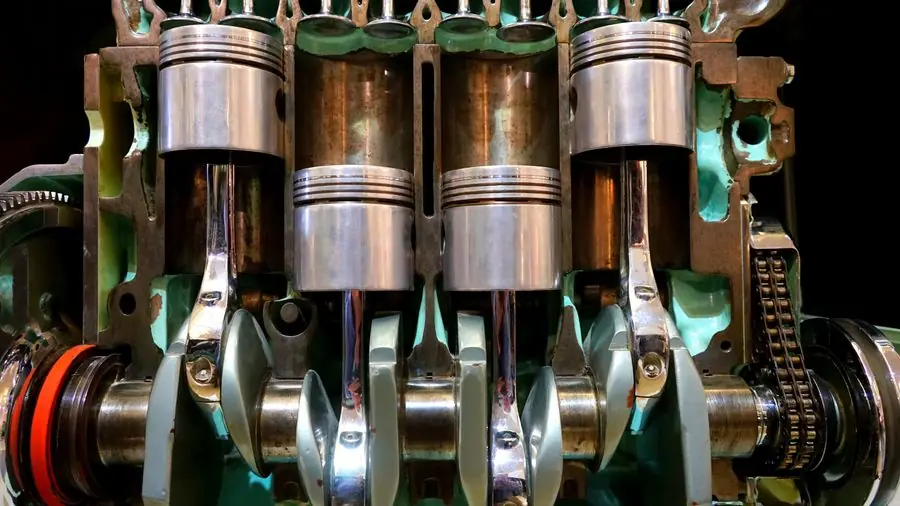 Engine parts212 fit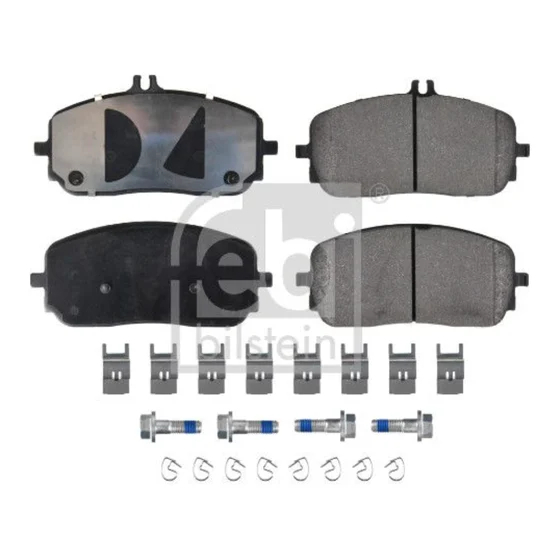
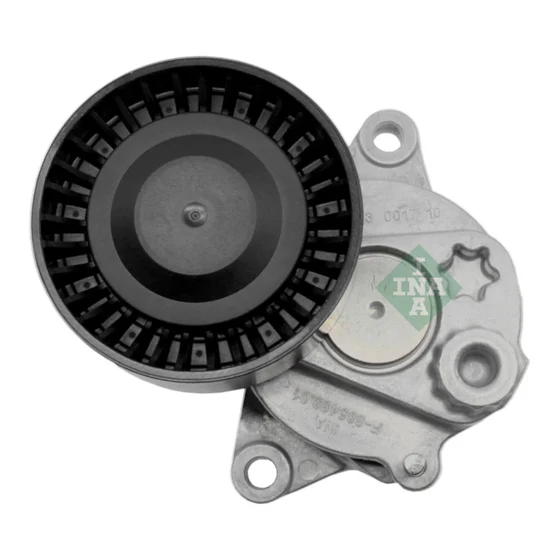
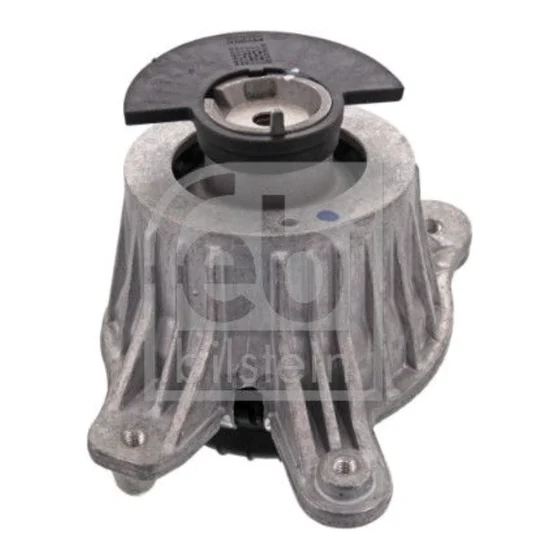
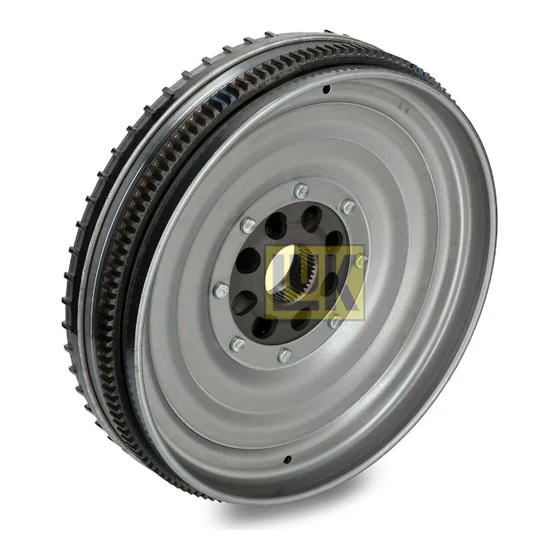 Volano LuK